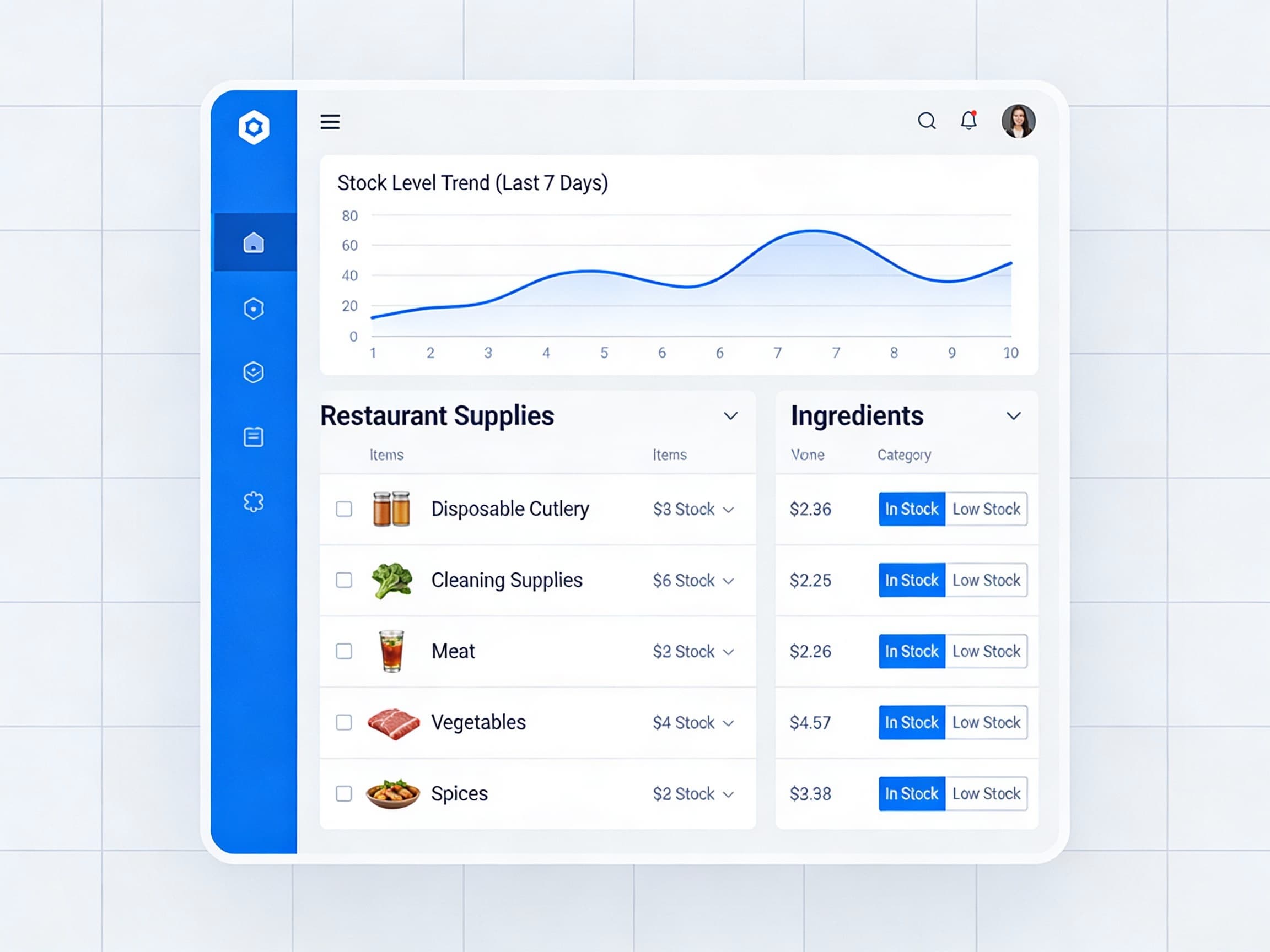
How to Reduce Food Costs by 4% with AI-Powered POS
Food costs are one of the largest expenses for any restaurant. On average, food costs represent 28-35% of total revenue, and controlling these costs is critical to profitability.
Traditional methods of tracking food costs involve manual calculations, spreadsheets, and guesswork. But modern AI-powered POS systems are changing the game.
The Problem with Manual Food Cost Tracking
Most restaurants struggle with food cost management because:
- **Manual data entry is time-consuming** - Staff spend hours inputting ingredient costs
- **Prices change frequently** - Keeping up with supplier price changes is nearly impossible
- **Recipe costing is complex** - Calculating exact costs per menu item requires precision
- **No real-time visibility** - By the time you see cost issues, it's too late
How AI Food Cost Calculators Work
AI-powered POS systems automatically:
1. Track ingredient prices - Integrate with your suppliers to get real-time pricing 2. Calculate recipe costs - Automatically update menu item costs as ingredient prices change 3. Monitor waste - Track inventory usage vs. sales to identify waste patterns 4. Optimize pricing - Suggest menu price adjustments based on actual food costs and target margins
Real Results
Our restaurant partners see an average 4.2% reduction in food costs within the first 90 days, saving an average of $12,600 annually per location.
Case Study: Golden Dragon Bistro
Golden Dragon Bistro reduced their food costs from 32% to 28% in just 60 days by:
- Identifying overpriced menu items using AI recommendations
- Optimizing portion sizes to reduce waste
- Switching suppliers for high-cost ingredients
- Adjusting menu prices based on actual food costs
The result? An additional $18,000 in annual profit.
Getting Started
1. Set up supplier integration - Connect your POS to your supplier's ordering system 2. Input your recipes - Enter all menu items with exact ingredient quantities 3. Set target margins - Define your desired food cost percentage 4. Monitor recommendations - Review AI suggestions weekly and make adjustments
Next Steps
Ready to reduce your food costs? Request a demo to see how Tableside's AI Food Cost Calculator can help your restaurant improve profitability.