Restaurant Online Ordering: Complete Guide to Direct Orders and Reducing Third-Party Fees
Third-party delivery apps like DoorDash and Uber Eats charge 15-30% commission fees, eating into your profits. Setting up direct online ordering can save thousands annually while giving you control over customer relationships.
The Problem with Third-Party Apps
Hidden Costs: - Commission fees: 15-30% per order - Additional fees: service charges, delivery fees - Loss of customer data - No control over branding - Limited customer communication
Example: A $500,000 restaurant with $150,000 in third-party orders pays $22,500-45,000 annually in commissions.
The Solution: Direct Online Ordering
Direct ordering puts you in control.
Benefits: - Zero commission fees - Full customer data access - Your branding and messaging - Direct customer relationships - Higher profit margins
Impact: Restaurants see 20-30% increase in profit margins on online orders.
Getting Started: Choosing the Right Platform
Look for platforms that integrate with your POS system.
Key Features: - Real-time menu sync - Order integration with kitchen - Payment processing - Mobile-friendly ordering - Branded ordering experience
Step 1: Integrate Online Ordering with Your POS
Seamless integration eliminates manual order entry.
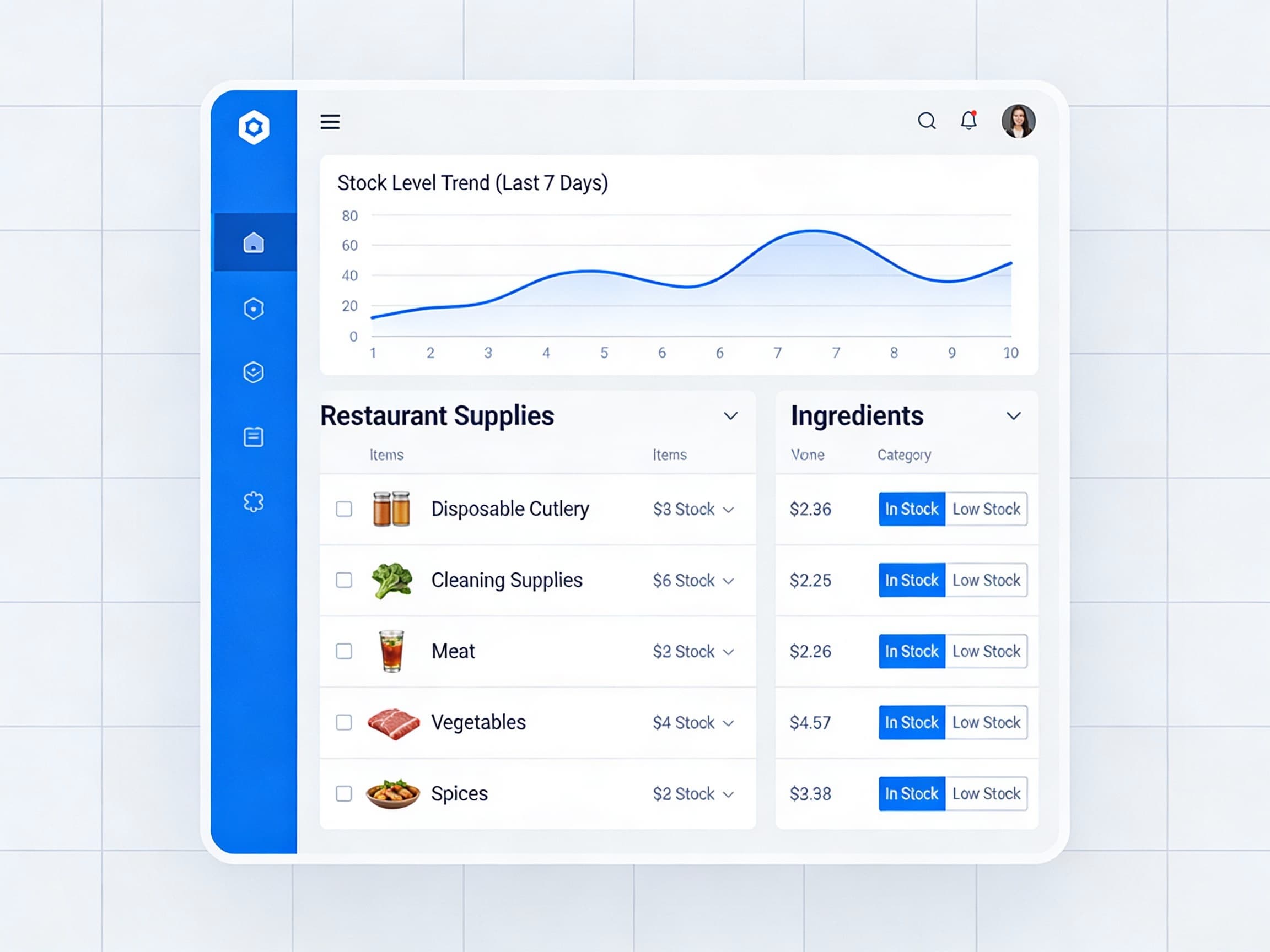
Benefits: - Orders appear directly in POS - Automatic inventory deduction - Kitchen display integration - Payment processing included - Sales reporting unified
Impact: Reduces order errors by 80% and processing time by 60%.
Step 2: Create a Branded Ordering Experience
Your online ordering should match your brand.
Elements: - Your logo and colors - Professional menu photos - Clear descriptions and pricing - Easy navigation - Mobile-optimized design
Impact: Branded experiences increase order value by 15-25%.
Step 3: Set Up Mobile Ordering
Mobile orders are increasingly popular.
Mobile Features: - Touch-friendly interface - Quick reordering - Saved payment methods - Order tracking - Push notifications
Impact: Mobile orders account for 60-70% of online orders.
Step 4: Implement QR Code Ordering
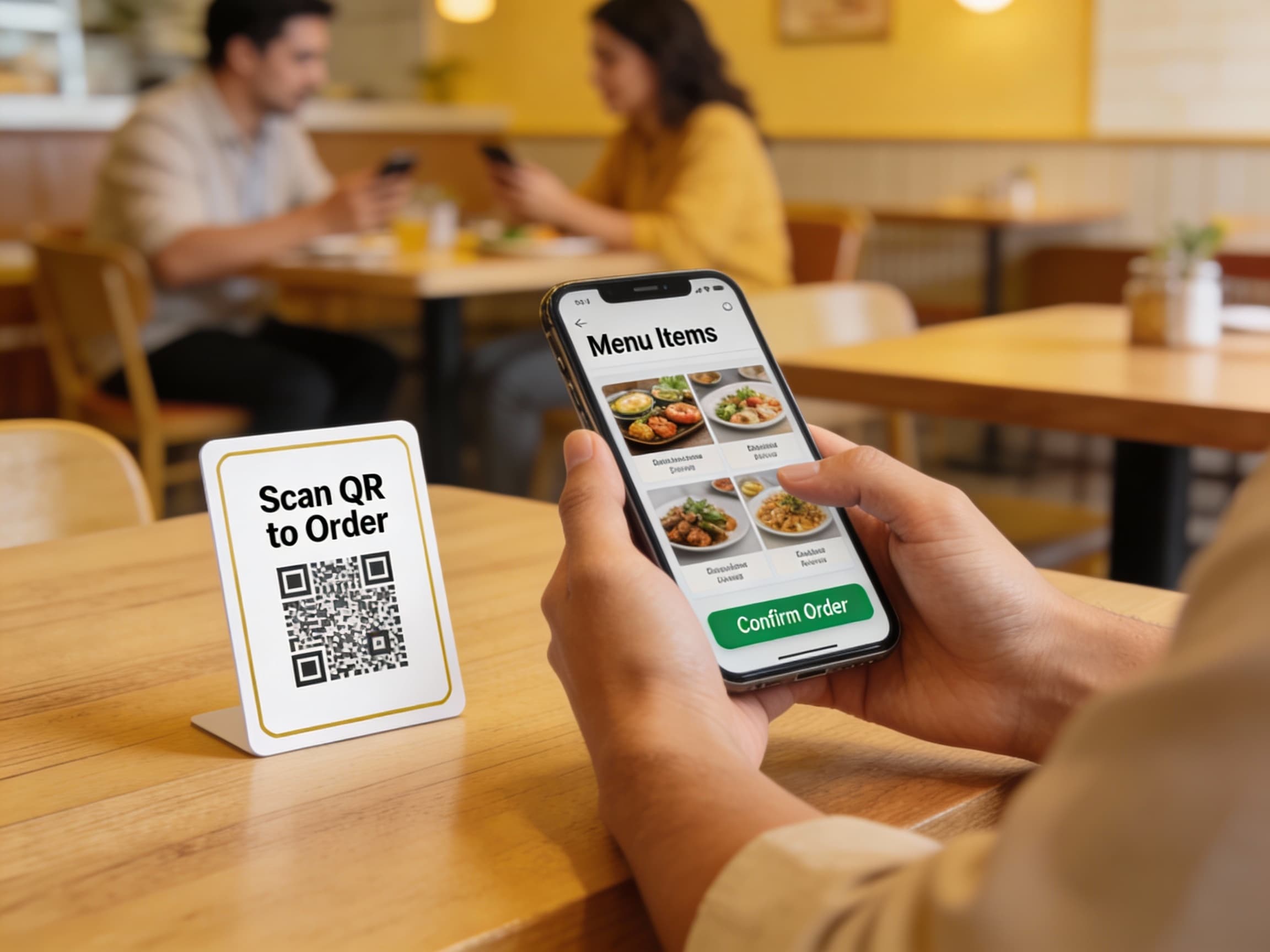
QR codes make ordering easy for dine-in customers.
Benefits: - No app download required - Contactless ordering - Faster service - Higher order values - Better table turnover
Impact: QR code ordering increases average order value by 25% and table turnover by 15%.
Step 5: Build Customer Loyalty
Direct ordering lets you build lasting relationships.
Loyalty Strategies: - Points-based rewards - First-order discounts - Repeat customer bonuses - Email marketing campaigns - Personalized promotions
Impact: Loyal customers order 3-5x more frequently.
Step 6: Market Your Direct Ordering
Promote your direct ordering channel to reduce third-party dependency.
Marketing Tactics: - Website homepage promotion - Social media campaigns - In-store signage with QR codes - Email to existing customers - Menu inserts
Impact: Effective marketing can move 40-60% of orders to direct channels within 6 months.
Calculating Your Savings
Annual Savings = (Third-Party Orders × Commission Rate) + (Customer Acquisition Value × New Customers)
Example: Restaurant with $150,000 in third-party orders at 25% commission: - Commission savings: $37,500/year - Additional revenue from customer data: $10,000-20,000/year - Total potential savings: $47,500-57,500/year
Common Challenges and Solutions
Challenge: "Customers prefer DoorDash"
Solution: Match or beat third-party convenience with faster delivery, better packaging, and loyalty rewards.
Challenge: "Setting up seems complicated"
Solution: Choose a POS-integrated solution. Setup typically takes 1-2 weeks with support.
Challenge: "We don't have delivery drivers"
Solution: Start with pickup-only, then add delivery or partner with local drivers.
Getting Started
1. Audit your current online ordering - Calculate commission fees 2. Choose an integrated platform - One that works with your POS 3. Set up branded ordering - Match your restaurant's brand 4. Promote direct ordering - Move customers from third-party apps 5. Track and optimize - Monitor performance and adjust
Next Steps
Ready to reduce third-party fees? Tableside's integrated online ordering system lets you accept direct orders with zero commission fees, full customer data, and complete brand control.